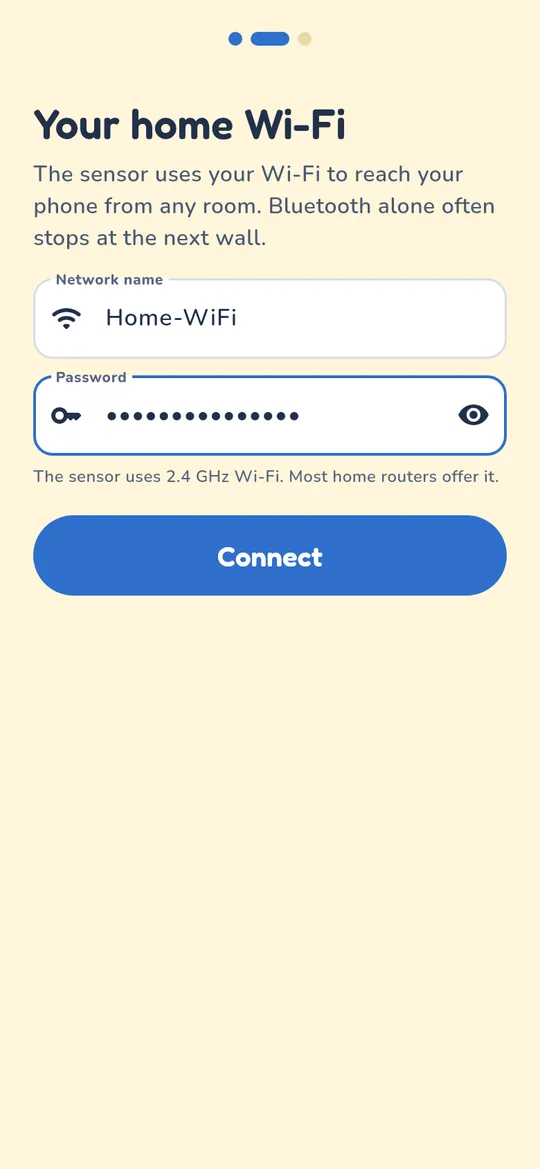
Open the app and choose your language
Deutsch, English, Slovenščina or Hrvatski – tap it at the top. You can change it any time later in Family › Language.
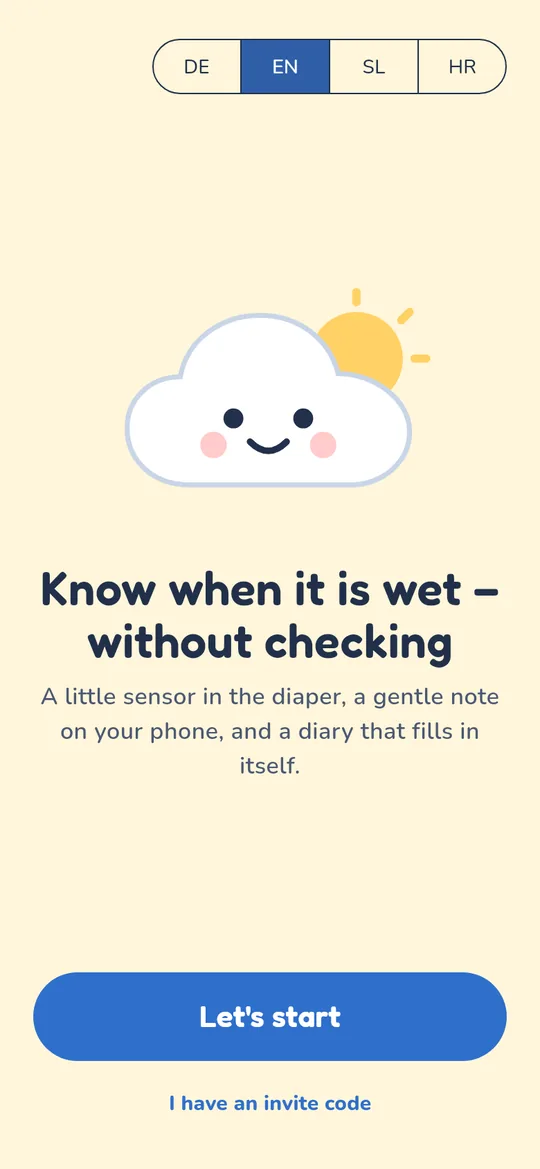
Tell us about your little one
A name or a nickname and the birth date are enough. The app then shows the age in months and weeks – and every diary entry belongs to your baby.
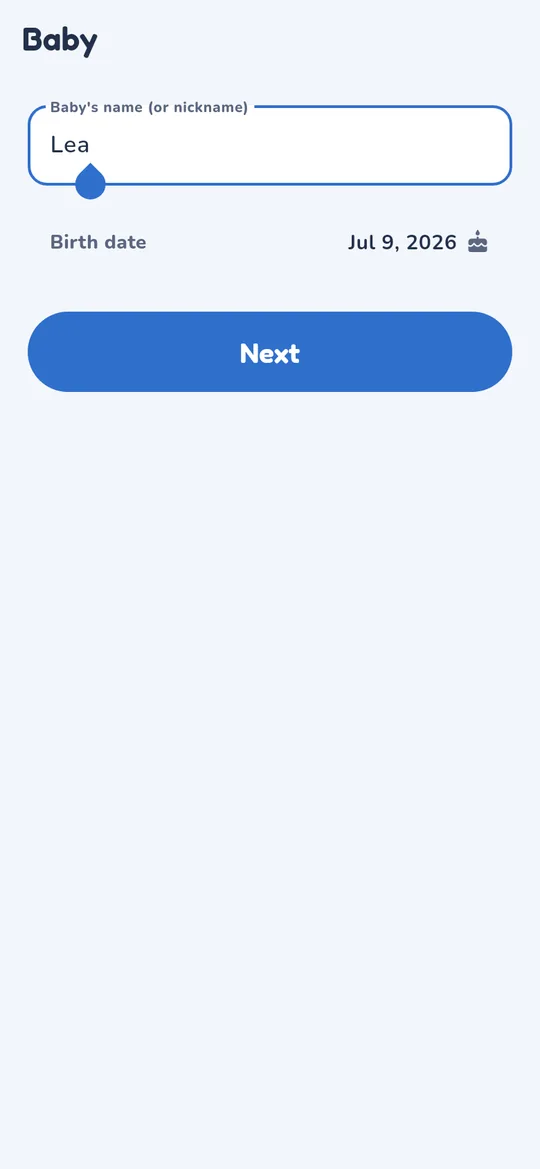
Your name – and yes to notifications
Your name shows the family who is on duty tonight. Please allow notifications on the next screen: that is how Wise Baby tells you the diaper is wet.
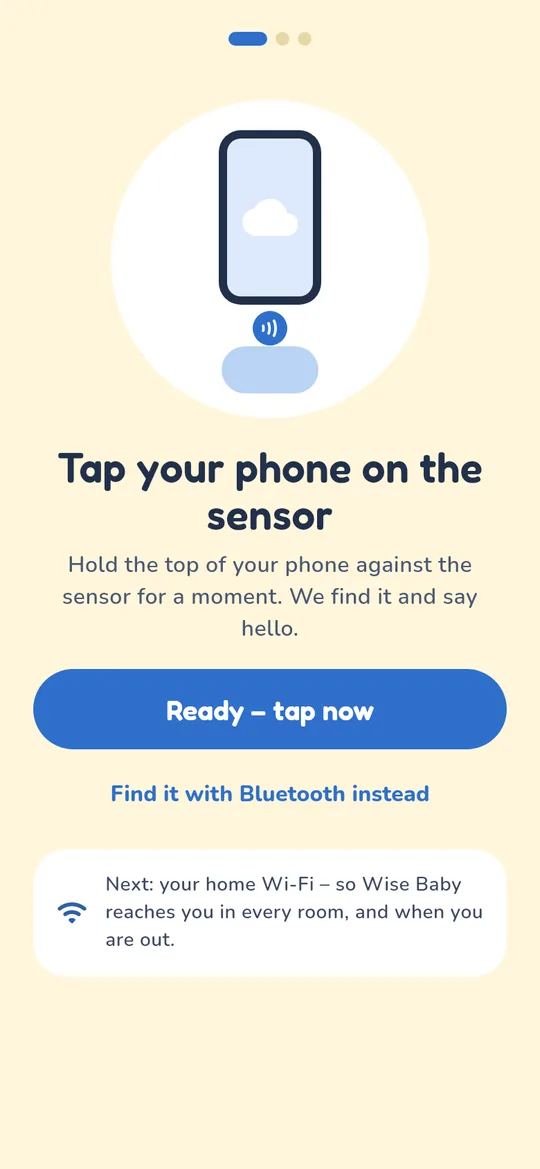
Hold your phone to the sensor
Hold the top of your phone against the sensor for a moment – the phone finds it by itself. No NFC on your phone? Tap “Find it with Bluetooth instead” and keep the sensor close.
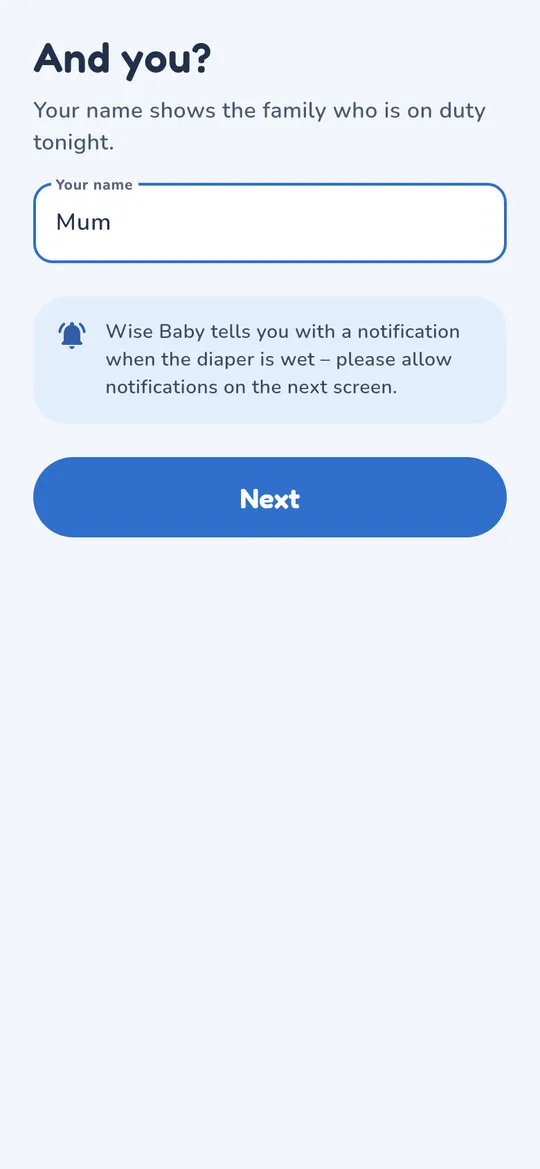
Give the sensor your home Wi-Fi
Choose your network and type the password. With Wi-Fi the sensor reaches you in every room and even when you are out – Bluetooth alone usually stops at the next wall.
Good to know: the password goes straight to the sensor; we never see or store it. The sensor uses 2.4 GHz Wi-Fi, which almost every home router offers.